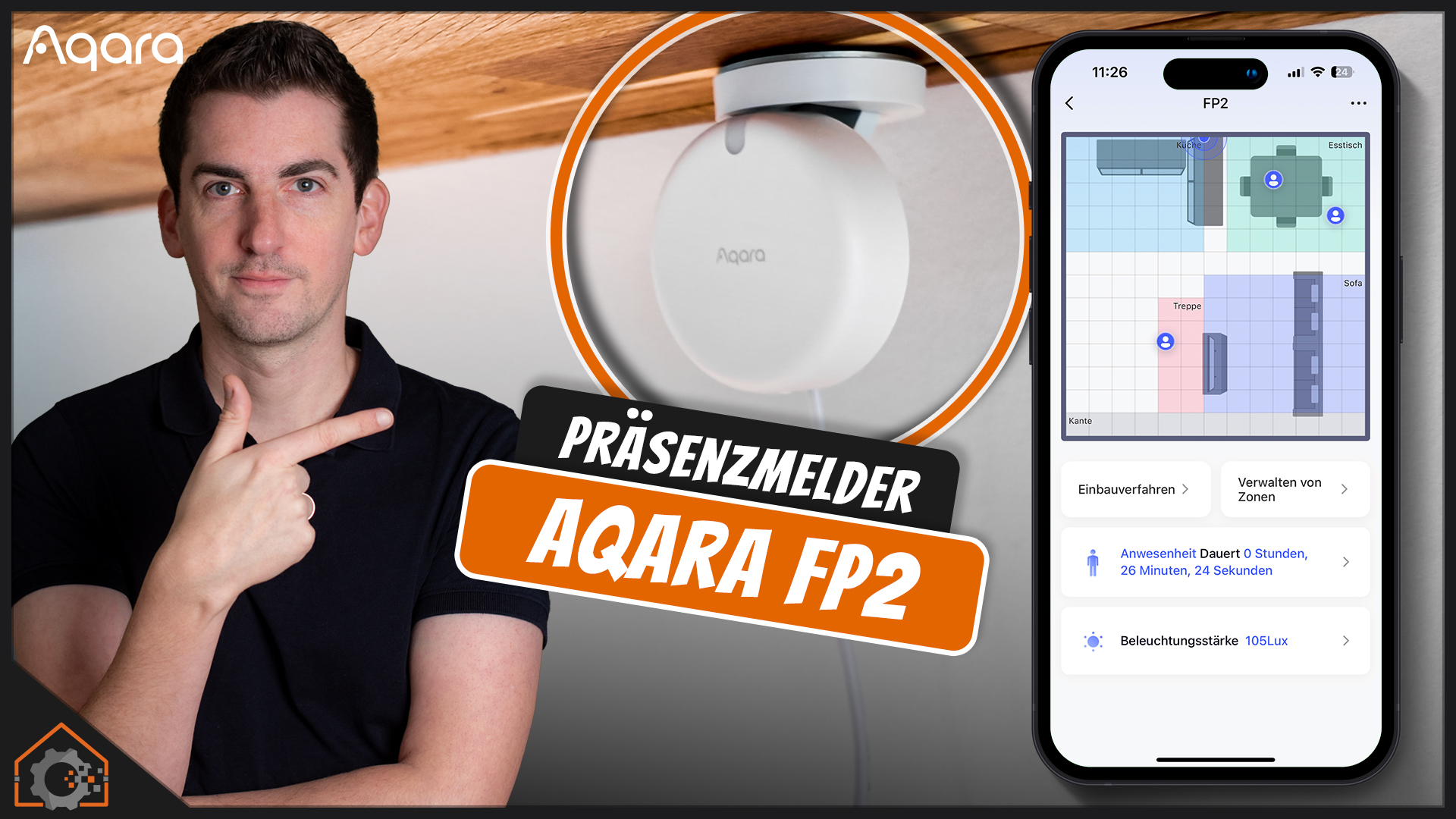
Ein normaler Präsenzmelder oder Bewegungsmelder hat einige Nachteile. Man weiß nur, dass eine Bewegung stattfindet, aber nicht wo genau im Raum. Viele klassische Sensoren haben auch Probleme mit sehr feinen Bewegungen. Spätestens, wenn man komplett still auf dem Sofa sitzt oder liegt, muss man nach kurzer Zeit mit den Armen wedeln. Und genau hier setzt der FP2 von Aqara an. Durch den Einsatz von Millimeterwellen-Radartechnologie (mmWave) verspricht der FP2 eine präzise Anwesenheitserkennung – selbst bei kleinsten Bewegungen. Ob das klappt, schauen wir uns gemeinsam an.
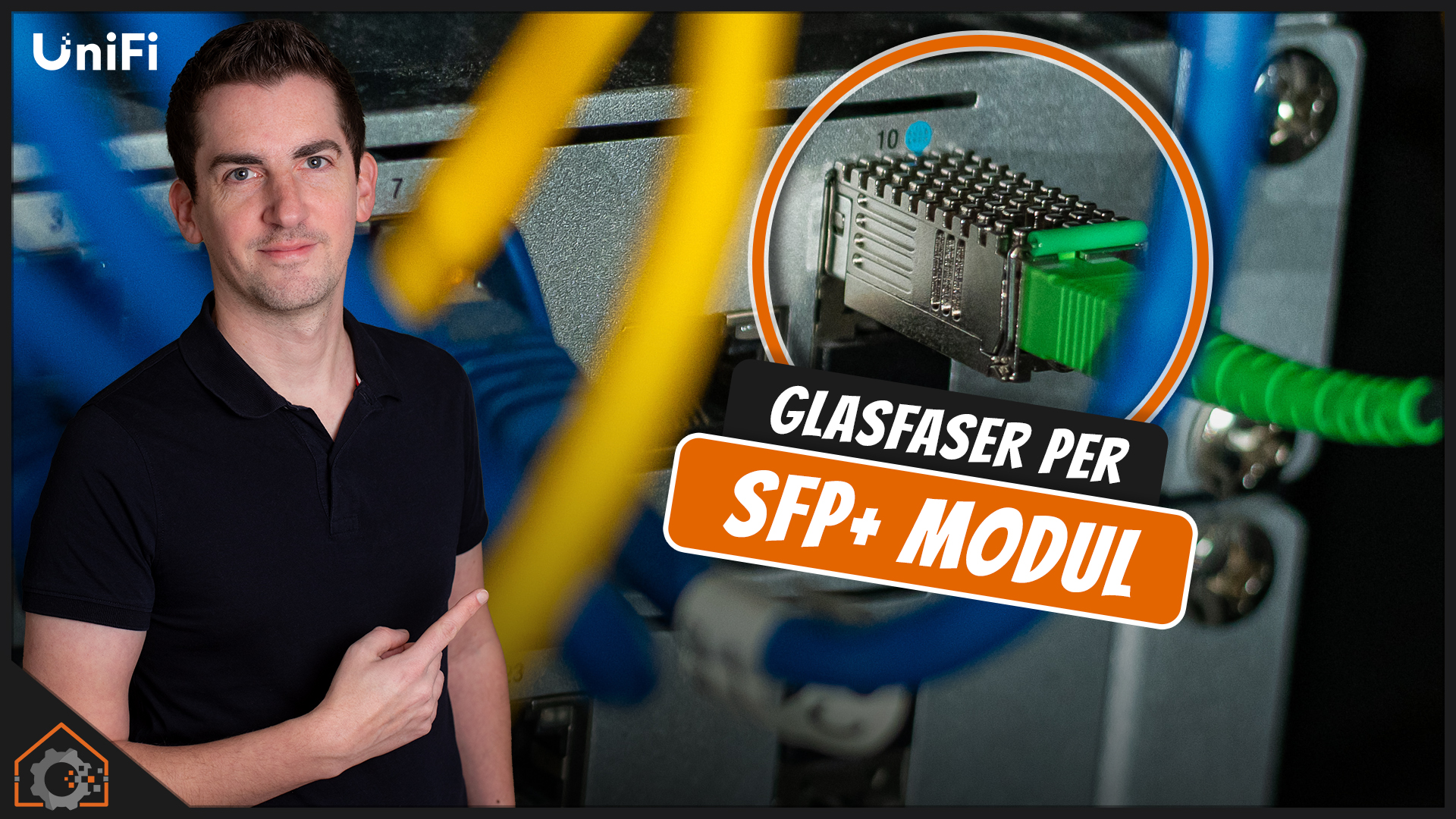
Wenn man in einer Großstadt neu baut, möchte man nicht unbedingt Kupferleitungen für Internet legen – aber das ist halt Deutschland. Über 5 Jahre nach dem Einzug gibt es auch bei uns endlich Glasfaser! Bereits Mitte 2023 habe ich den Vertrag für Glasfaser unterschrieben. Zwei Jahre später ist es nun endlich so weit und der Wechsel steht an. Also raus mit dem VDSL-Modem und per Glasfaser direkt an die UniFi Dream Machine Pro. So zumindest der Plan. Wie der Wechsel klappt, findest Du in diesem Beitrag.
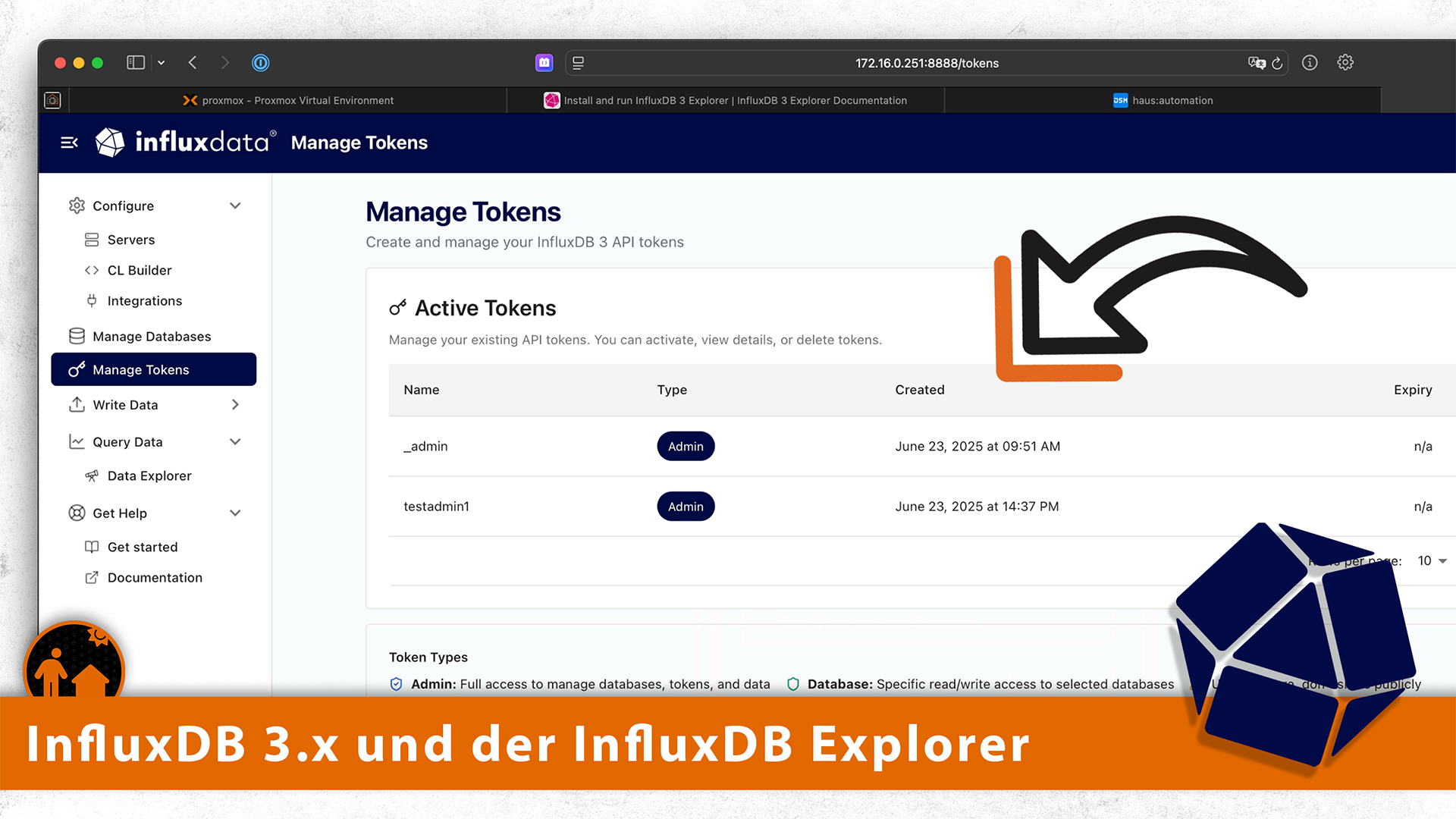
Nachdem ich die InfluxDB 3.x Alpha-Version schonmal grob angetestet habe, schaue ich mir das fertige Produkt für den lokalen Einsatz jetzt noch einmal genauer an. Die Core-Version ist wegen des 72-Stunden-Limits nicht für Smart-Home-Anwendungen geeignet – wir brauchen also eine Enterprise-Lizenz! Glücklicherweise gibt es eine at-home-Lizenz, welche weiterhin kostenlos bleibt. Diese ist allerdings auf 2 Cores und eine einzelne Node limitiert. Sollte für Heimanwender aber völlig ausreichend sein.
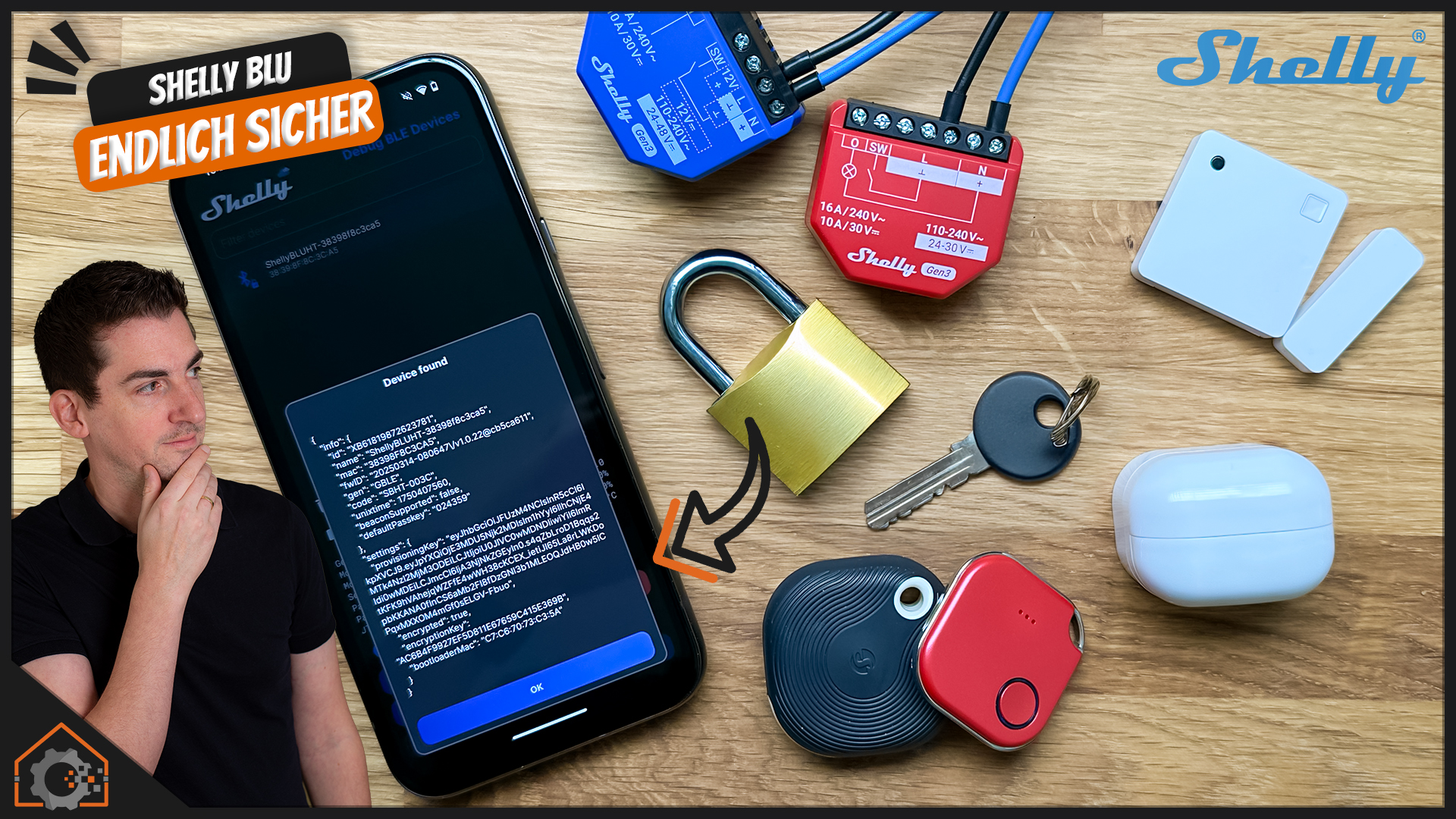
Die Shelly BLU Komponenten habe ich auf dem Kanal ja schon öfter vorgestellt. Diese kann man über die Shelly BLE Debug App auf die aktuellste Firmware aktualisieren. Über die gleiche App kann man für die Shelly-Geräte auch die Verschlüsselung aktivieren. Dies ist ein wichtiger Schritt um eine sichere Kommunikation herzustellen. Öffnest Du beispielsweise mit einem Blu-Button im Auto Deine Garage, könnte jemand die unverschlüsselten Signale mitschneiden und einfach erneut senden.
Nachdem ich seit Jahren die physischen Shelly-Produkte auf allen möglichen Kanälen vorstelle und im Detail zeige, war es mal Zeit die (relativ neue) Shelly Academy zu testen. Diese findet in Kooperation mit SoftUni Global statt. Die Trainer sind also nicht unbedingt direkt von Shelly (wenn ich das richtig verstanden habe). Da mir der Basic Course zum Thema Scripting zu dünn war, habe ich mich für den Intensiv-Kurs zum Thema Virtual Components eingeschrieben.
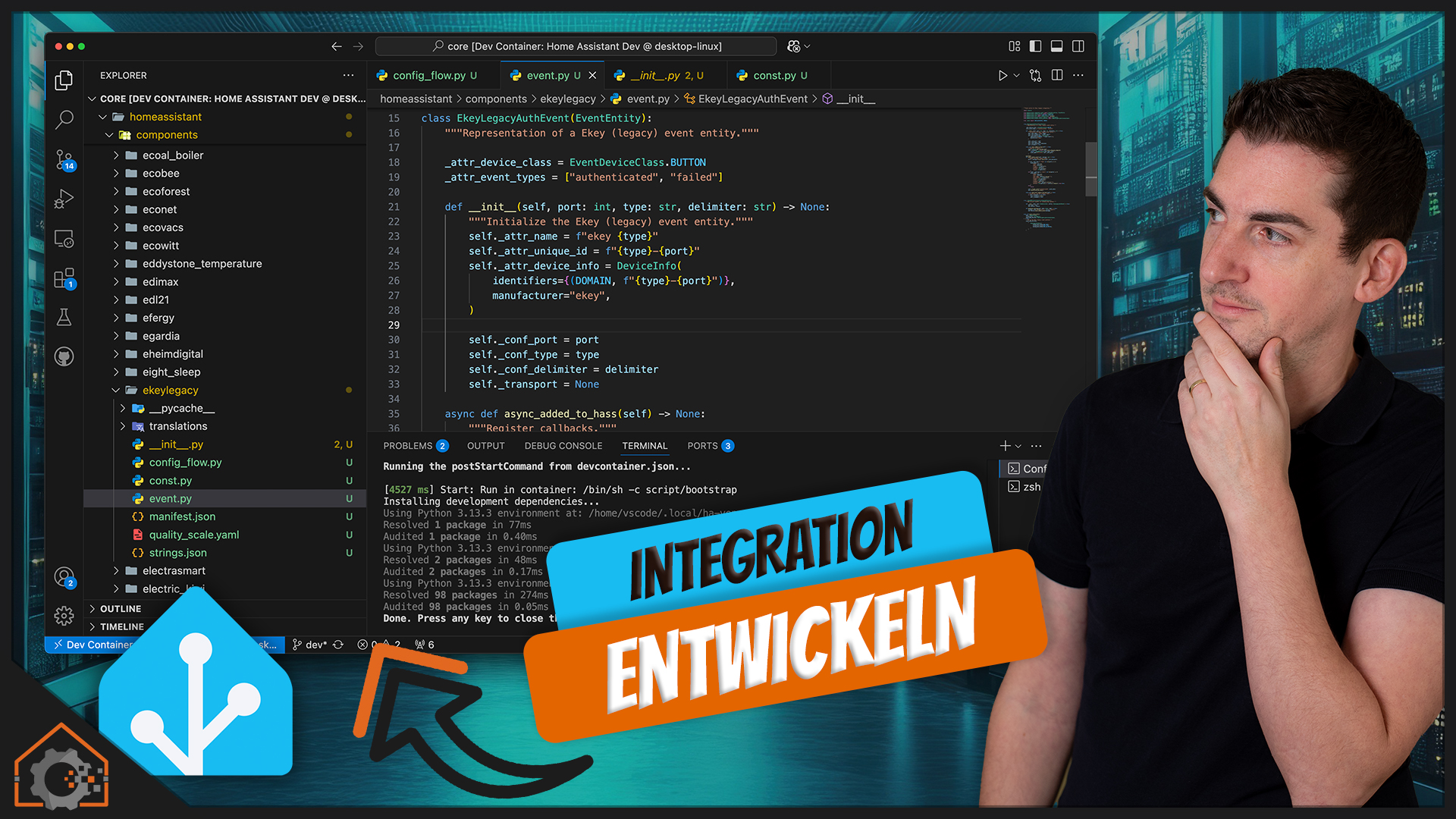
Auf meiner ToDo-Liste steht schon lange die Entwicklung einer eigenen Home Assistant Integration. Das Problem ist, dass man dazu gar nicht so viele Informationen findet. Schon gar nicht auf Deutsch – und noch weniger als Video. Außerdem bin ich als Entwickler zwar fit in PHP und NodeJS (JavaScript), aber Python gehört bisher nicht zu meinen Lieblings-Sprachen. Aber was hilft es? Einer muss es ja machen. Immer nur zeigen, was es schon gibt: Langweilig! Also begleite mich gerne auf dem Weg zur ersten eigenen Integration.
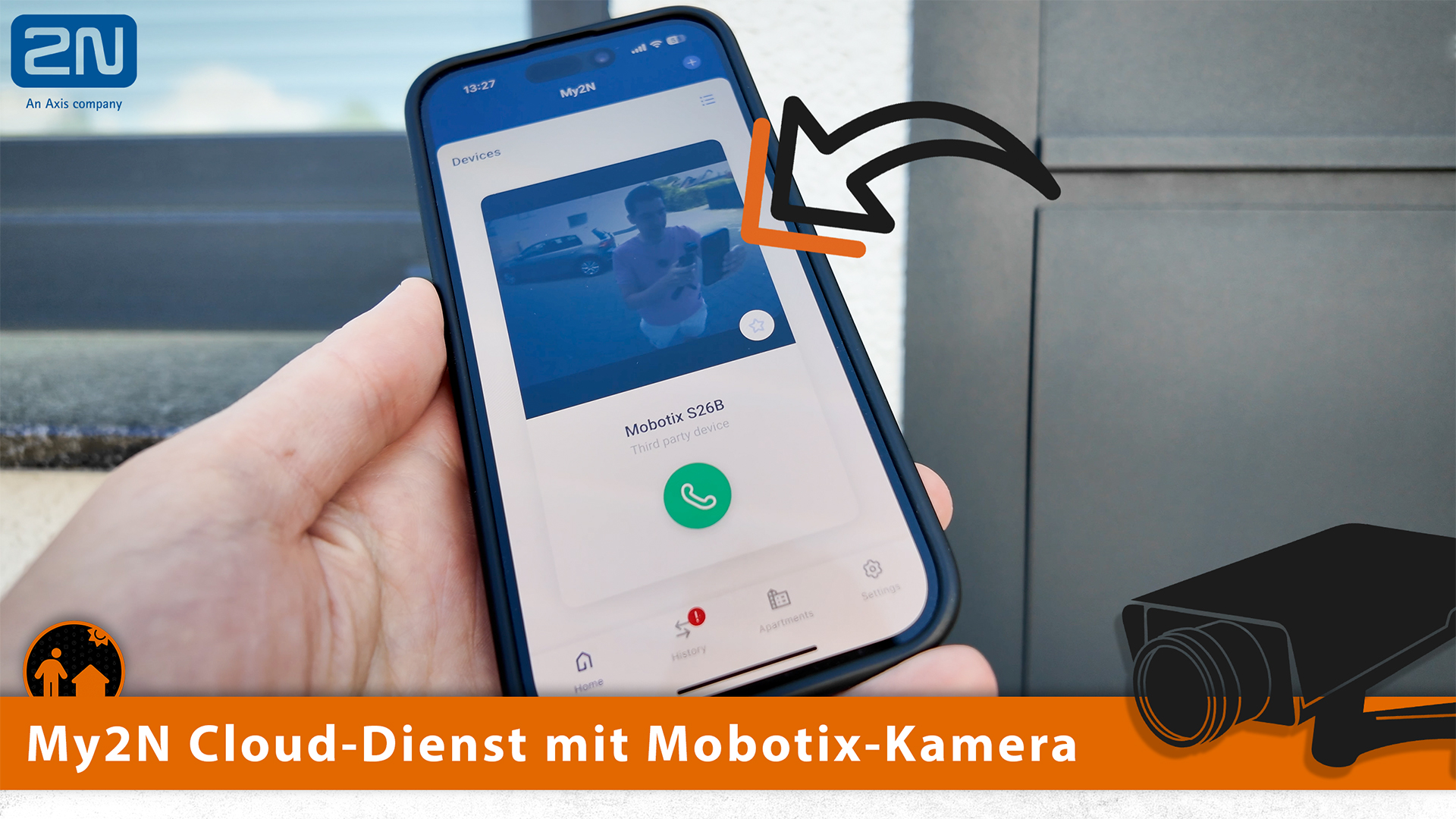
Bei der Video-Aufnahme zur 2N IP One habe ich gesehen, dass man die Cloud-Infrastruktur von 2N auch mit Drittherstellern nutzen kann. Ich verwende aktuell eine Mobotix S26B an der Haustür, welche über eine eigene Festnetz-Rufnummer erreichbar ist. Der My2N-Dienst hat mir allerdings so gut gefallen, dass ich das Ökosystem gerne nutzen möchte. Allerdings ohne ein einziges 2N Produkt zu verwenden.
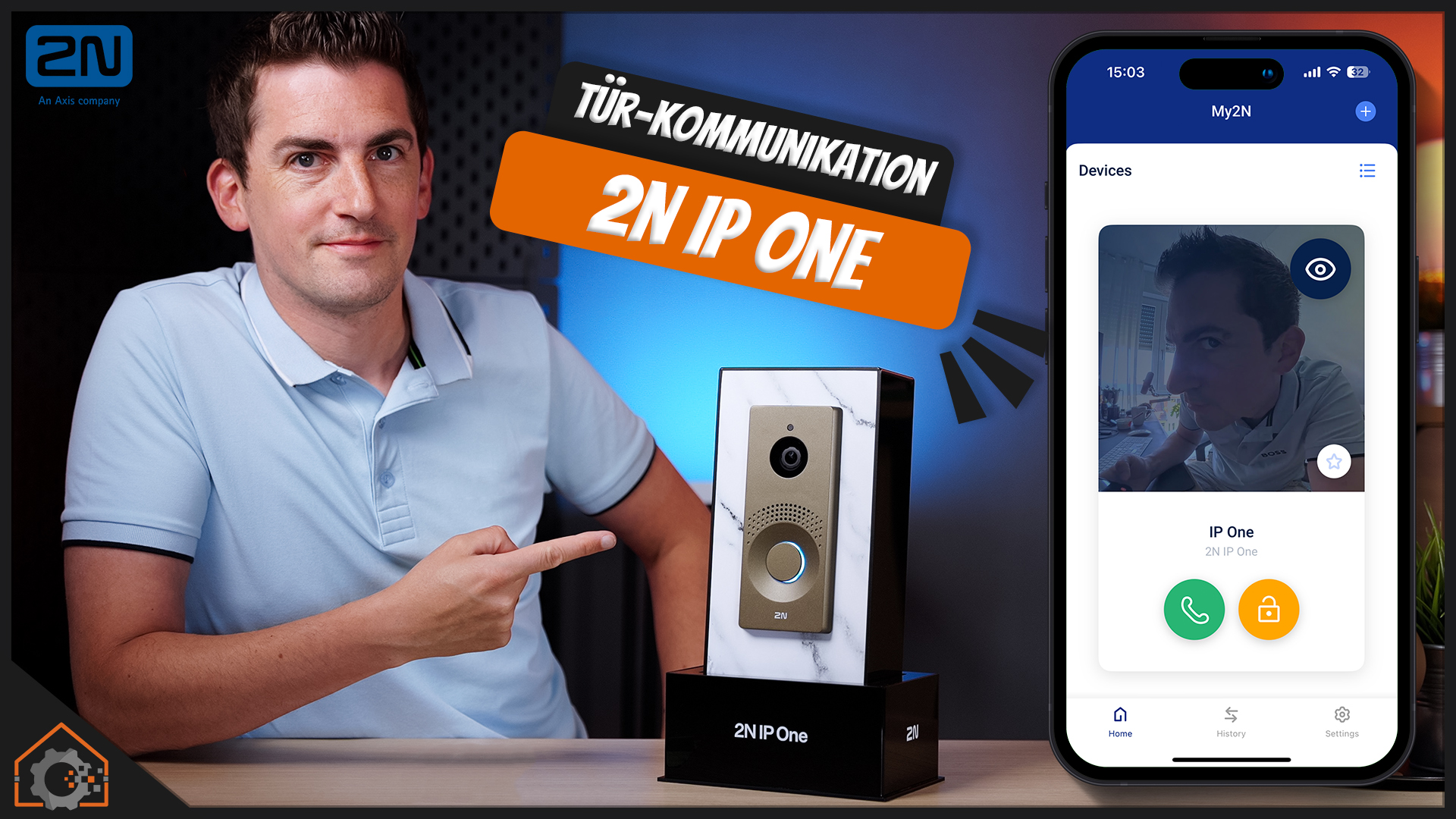
2N gehört für mich zu den besten Lösungen im Bereich Videosprechanlagen. Vor ziemlich genau vier Jahren habe ich IP Verso genauer getestet genauer angeschaut. Die IP Style hatte ich auch schon in den Händen, aber ist für ein Einfamilienhaus extrem überdimensioniert. Könnte die IP One also genau das Produkt sein, was bisher gefehlt hat? Wir schauen uns die neue Lösung gemeinsam an!
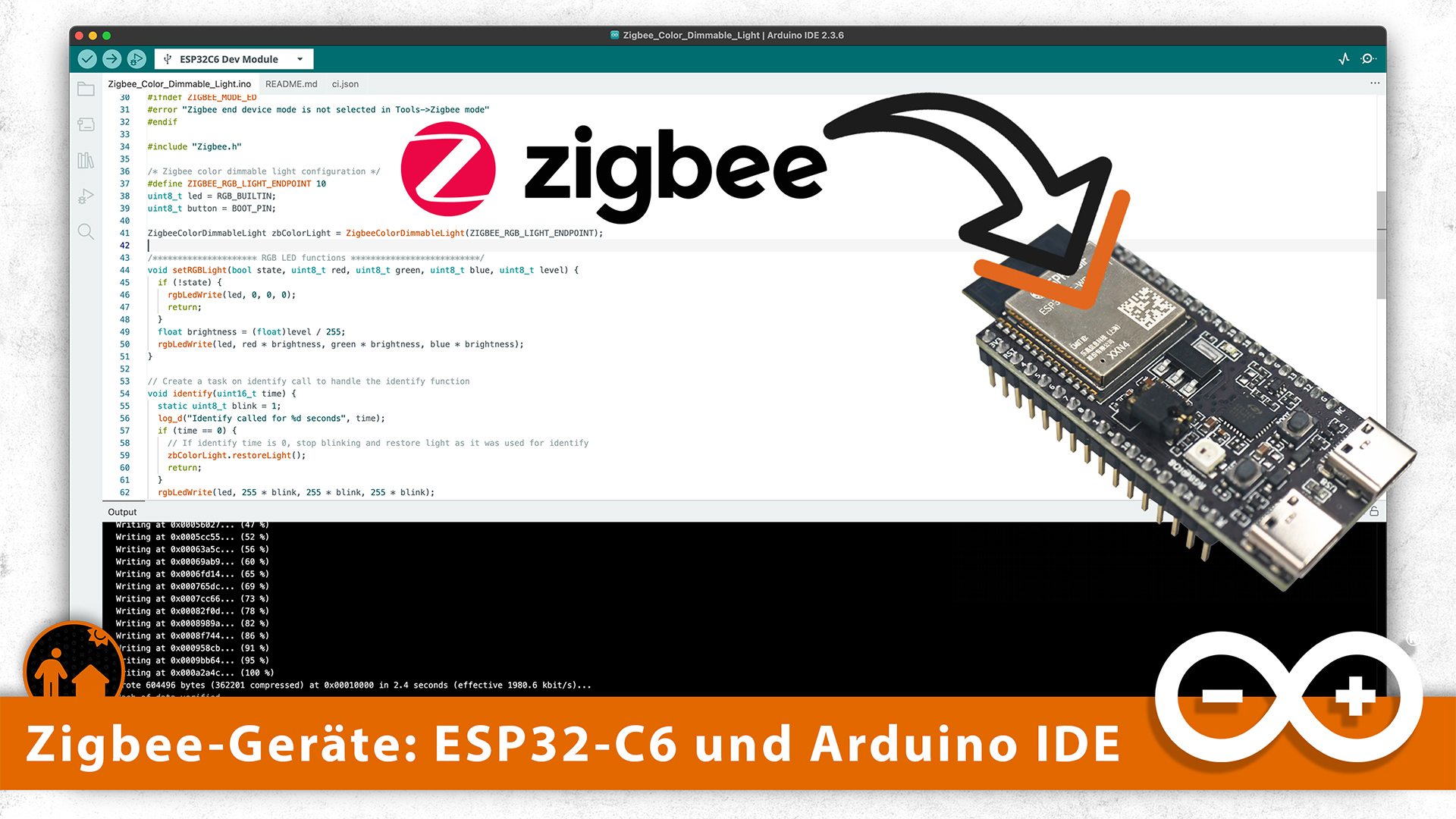
Letzten Monat haben wir gemeinsam einen ESP32-C6 als Basis für ein eigenes Matter-Gerät genutzt. Allerdings Matter über WiFi. Das heißt, dass wir die neuen Features des ESP32-C6 gar nicht genutz haben. Diese Generation Chips unterstützt nämlich Zigbee (und Thread). Das sind übrigens genau die Chips, welche auch in der Shelly Generation 4 verbaut werden. Wir schauen uns also kurz an, wie man die Zigbee-Schnittstelle der Geräte zum Leben erweckt.
Hi! I’m back with an update on the latest changes in Home Assistant. This time, I’ll show you everything that’s new in the May 2025.5 release of Home Assistant. There have been updates to the backup system, entities can now be selected more easily, voice variations have been added, you can now paste automations and scripts, and much more. Let’s dive right in!
NOTE:
This article is the script for a YouTube video. I wrote it prior recording the video. To continue doing this, please check out the video, comment under it, give it a thumbs up, and subscribe to my YouTube channel. This will ensure that the video is offered more often to new visitors so that they can stay informed of the latest Home Assistant tutorials and smart home-related product reviews.
Every month it’s exciting to see what new and fun things are added to Home Assistant, and this month is no exception. The May release (2025.4) will be available starting Wednesday, May 7, so from that moment on, you’ll be able to start using these new features yourself.
Backup System
New options have been added to the backup system. First, you can now set the retention time per location, either based on the number of backups or the number of days.
There’s also a new option to automatically create a backup before updating your operating system.
Some people like to have a backup before running an update, while others don’t. That’s why there’s now an option to set the default state of the backup toggle in the update screen.
Additionally, Home Assistant now waits to restart until any ongoing backup process has finished.
New Text-To-Speech Voice Variants
If you have a Home Assistant Cloud subscription, you already have access to many text-to-speech voices. Now even more have been added—not just new languages, but especially new intonations. There are now voices that sound happy, angry, sad, and more. This allows you to make the voice match the context of your automations!
Not all languages are supported yet, but it’s a great addition nonetheless.
Picking Entities
In the previous release, device and area info was added to entity info dialogs, so you always know what you’re looking at. Now, you can also see in which area and on which device an entity belongs in cards, automations, and scripts.
This means you no longer necessarily have to rename entities. Still, I recommend giving your entities clear names—especially if you ever need to replace a device, it helps keep your existing automations and dashboards working without any extra effort.
Note: the entity ID is no longer shown by default in the interface, but you can still enable it in your profile settings if you prefer to see it.
Z-Wave Smart Start and Long Range support
There have also been changes to Z-Wave. I don’t have any Z-Wave devices myself, so I can’t demonstrate them, but here’s what’s new:
Z-Wave Long Range devices can now also be added directly.
Z-Wave Smart Start is now better supported, letting you easily add a device to Home Assistant by scanning its QR code.
Paste Automations and Scripts
This is a big one: you can now paste YAML code directly into the UI for automations and scripts! This makes it super easy to share automations with others—just copy the YAML code and paste it into a new automation in the UI.
Personally, I think this is the best improvement in this release.
Using templates in Automations and Scripts
It’s now also possible to use templates in automations and scriptswhile keeping the UI available. In the past, using templates meant you could only edit in YAML mode, but now the UI remains usable. Very convenient!
See what Home Assistant discovers
This one’s more for power users. Under Settings > System > Network, you can now see which devices Home Assistant automatically discovers on your network.
I probably won’t use this much myself, but let me know in the comments if you find it useful!
Integrations
Of course, there are also new integrations again, and improvements to existing ones. You can find them in this list.
Other noteworthy changes
Besides everything I’ve shown, there are other interesting changes too. These are also listed here.
Backward Incompatible Changes
As always, there are backward-incompatible changes. Be sure to read through these carefully before updating to avoid issues in your smart home setup after the update.
That’s it for today! What a release this was! Let me know in the comments what your favorite new feature or change is—I’m really curious!
Thanks for watching, and a special thank you to everyone who supports me monthly—you make it possible for this channel to keep going!
You can also help by becoming a sponsor. The video description includes links to Patreon, Ko-Fi, and how to become a paid channel member.
Don’t forget to give this video a thumbs up, subscribe to the channel, and click the notification bell. See you soon!